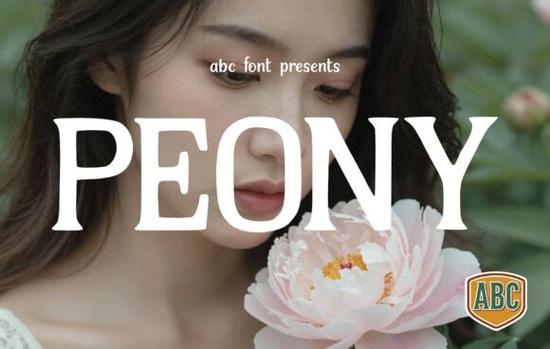
If you're working on a design that calls for elegance without feeling overly ornate, the Peony Font might be exactly what you need. This serif typeface blends classic structure with soft, refined details think high-contrast strokes and delicate terminals that echo the gentle curves of peony petals. It’s especially well-suited for projects where sophistication matters: luxury skincare packaging, wedding invitations, fashion editorials, or boutique branding.
What makes Peony stand out among other serif fonts is its balance. It carries authority in headlines but avoids heaviness, keeping your layout feeling light and intentional. That “quiet luxury” look many brands are leaning into? This font supports it effortlessly especially when paired with minimalist photography or thin monoline scripts.
Where does the Peony Font work best?
You’ll find this typeface shines in contexts that value both tradition and modern restraint:
- Luxury product labels – From artisanal candles to premium skincare, Peony adds a polished touch without shouting.
- Editorial design – Magazine feature titles, fashion spreads, or lifestyle blogs benefit from its refined presence.
- Wedding stationery – Invitations, menus, and place cards feel elevated yet approachable.
- Boutique logos – Small businesses aiming for a timeless identity can use Peony to signal quality and care.
It’s worth noting that while Peony excels in display sizes (think headlines, logos, or hero text), it’s not meant for body copy. Stick to short phrases or single lines to let its details breathe.
How to pair it effectively
Because Peony already brings visual richness, keep supporting elements minimal. A clean sans-serif like Montserrat Light or even a delicate script such as Lavanderia creates contrast without competing. Avoid pairing it with other high-contrast serifs that can quickly feel cluttered.
For background imagery, opt for soft textures: linen, marble, or muted floral photography. The goal is harmony, not drama. If you’re designing for print-on-demand items like mugs, journals, or art prints, test how the fine strokes reproduce at smaller sizes sometimes subtle details can blur on lower-resolution prints.
Is this font right for your small business or craft project?
If your brand voice leans toward words like “refined,” “timeless,” or “thoughtful,” then yes. Creative hobbyists making greeting cards or digital planners will also appreciate how Peony adds instant polish without requiring complex design skills. Just remember: less is more. One strong headline in Peony often says enough.
And if you’re exploring similar options, you might also want to browse other slab serif fonts that offer a different kind of grounded elegance though Peony’s traditional serif structure gives it a distinctly softer character.
For those curious about licensing, Peony comes with a commercial-use license through Creative Fabrica, so you can confidently use it for client work or products you plan to sell. Always double-check the specific terms after purchase, but most fonts on the platform include broad usage rights for designers and small businesses.
If you’d like to see the original listing or explore variations, you can view the full details for Peony Font on Creative Fabrica.
Before you download: a quick checklist
- Confirm your use case – Is this for headlines, logos, or short text? Peony isn’t ideal for paragraphs.
- Test readability – Preview it at your intended size, especially for physical products.
- Plan your pairings – Choose a simple secondary font to avoid visual noise.
- Check licensing – While commercial use is typically included, verify based on your project scope.
- Consider alternatives – If you need something bolder or more geometric, slab serifs might serve you better.
When used with intention, the Peony Font doesn’t just add style it helps communicate a mood of calm confidence. That’s a rare quality in typography, and one worth exploring if your designs aim to feel both beautiful and believable.
Try It Free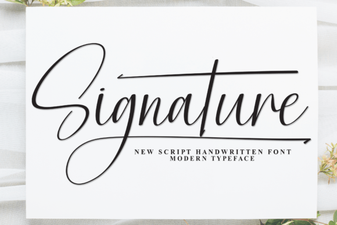 Beautiful & Functional Signature Fonts for Your Projects
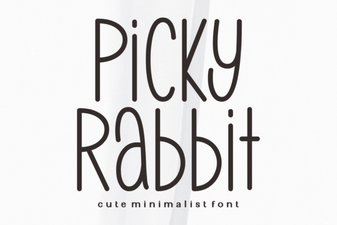 Picky Rabbit Font: Design Ideas for Creative Projects
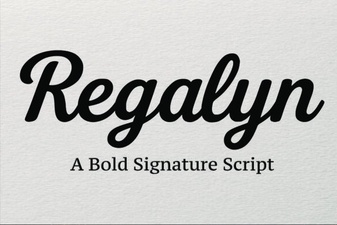 Regalyn Font: Design Ideas & Creative Uses
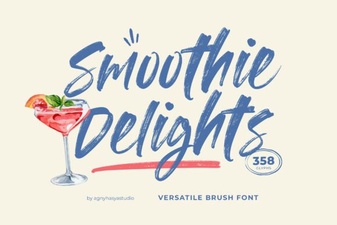 Font Style Ideas for Smoothie Branding
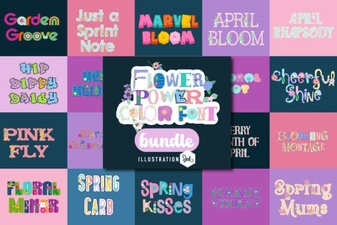 Flower Power Fonts for Colorful Web Design
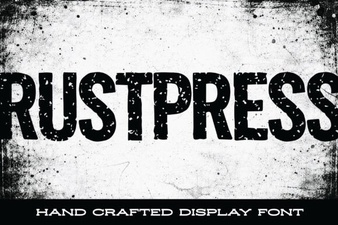 Rustpress Font for Modern Design Projects